> ## Documentation Index
> Fetch the complete documentation index at: https://docs.seamless.ai/llms.txt
> Use this file to discover all available pages before exploring further.
# Seamless API: Search and enrich company and contact data
> Seamless' B2B data API helps you find & enrich companies and contacts. Authenticate with OAuth or an API key, then get results via webhooks or polling.
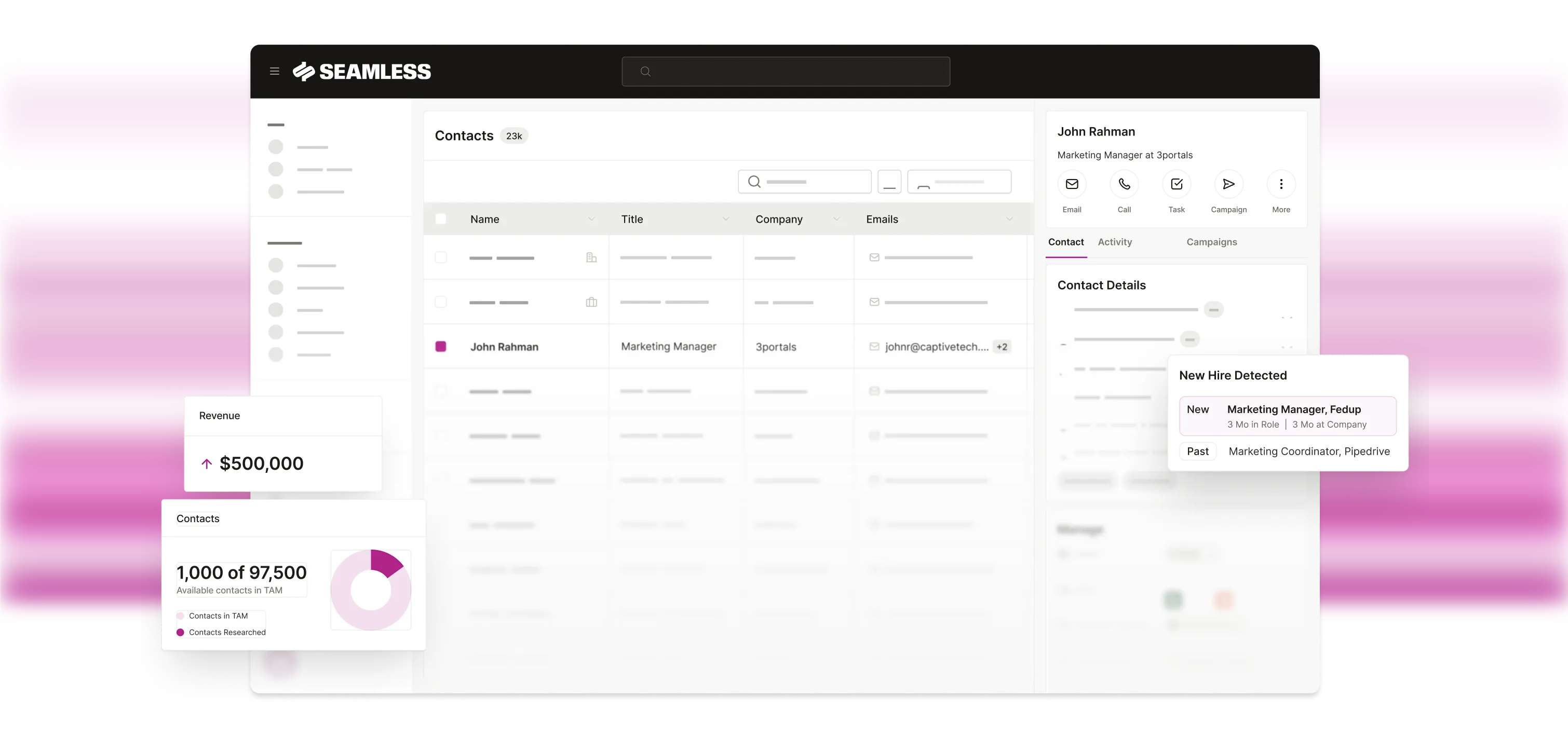 Seamless gives you programmatic access to enriched company and contact data. Search for targets, submit research requests, and receive results via webhooks or polling. If you work in an AI IDE, you can also use the [MCP server](/mcp-docs) for the same data through agent tools.
## Choose your path
Use MCP in Cursor or Claude, or script the REST API for automation.
Research via API and sync enriched records to your CRM or warehouse.
First request in curl, Python, or Node — or try [Postman](/explore-with-postman).
Learn the Seamless product, then hand off to your technical teammate.
## Get started
Fastest path — `Token` header on every request.
Multi-user apps — `Authorization: Bearer` after token exchange.
Search → research → poll with runnable examples.
Connect Seamless to Cursor, Claude, or ChatGPT.
## How it works
```mermaid theme={null}
flowchart LR
A[Authenticate] --> B[Search]
B --> C[Research]
C --> D{Results}
D -->|Webhook| E[Your HTTPS endpoint]
D -->|Polling| F[GET poll]
```
Create an API key under [Settings → Public API](/authentication/api-keys), or complete the [OAuth](/authentication/oauth) flow.
Call [Search companies](/searchcompanies) or [Search contacts](/searchcontacts), then [Research companies](/researchcompanies) or [Research contacts](/researchcontacts) with the `searchResultId`.
Use [webhooks](/receive-research-results-with-webhooks) or [poll company](/pollcompanyresearchresults) / [poll contact](/pollcontactsresearchresults) results.
Not sure which path fits? Read [Choose a workflow](/choose-the-right-workflow) or browse [Use cases](/use-cases).
Seamless gives you programmatic access to enriched company and contact data. Search for targets, submit research requests, and receive results via webhooks or polling. If you work in an AI IDE, you can also use the [MCP server](/mcp-docs) for the same data through agent tools.
## Choose your path
Use MCP in Cursor or Claude, or script the REST API for automation.
Research via API and sync enriched records to your CRM or warehouse.
First request in curl, Python, or Node — or try [Postman](/explore-with-postman).
Learn the Seamless product, then hand off to your technical teammate.
## Get started
Fastest path — `Token` header on every request.
Multi-user apps — `Authorization: Bearer` after token exchange.
Search → research → poll with runnable examples.
Connect Seamless to Cursor, Claude, or ChatGPT.
## How it works
```mermaid theme={null}
flowchart LR
A[Authenticate] --> B[Search]
B --> C[Research]
C --> D{Results}
D -->|Webhook| E[Your HTTPS endpoint]
D -->|Polling| F[GET poll]
```
Create an API key under [Settings → Public API](/authentication/api-keys), or complete the [OAuth](/authentication/oauth) flow.
Call [Search companies](/searchcompanies) or [Search contacts](/searchcontacts), then [Research companies](/researchcompanies) or [Research contacts](/researchcontacts) with the `searchResultId`.
Use [webhooks](/receive-research-results-with-webhooks) or [poll company](/pollcompanyresearchresults) / [poll contact](/pollcontactsresearchresults) results.
Not sure which path fits? Read [Choose a workflow](/choose-the-right-workflow) or browse [Use cases](/use-cases).